mirror of
https://onedev.site.tesses.net/tytd2025
synced 2026-02-08 09:45:44 +00:00

59 lines
2.2 KiB
Markdown
59 lines
2.2 KiB
Markdown
# TYTD 2025
|
|
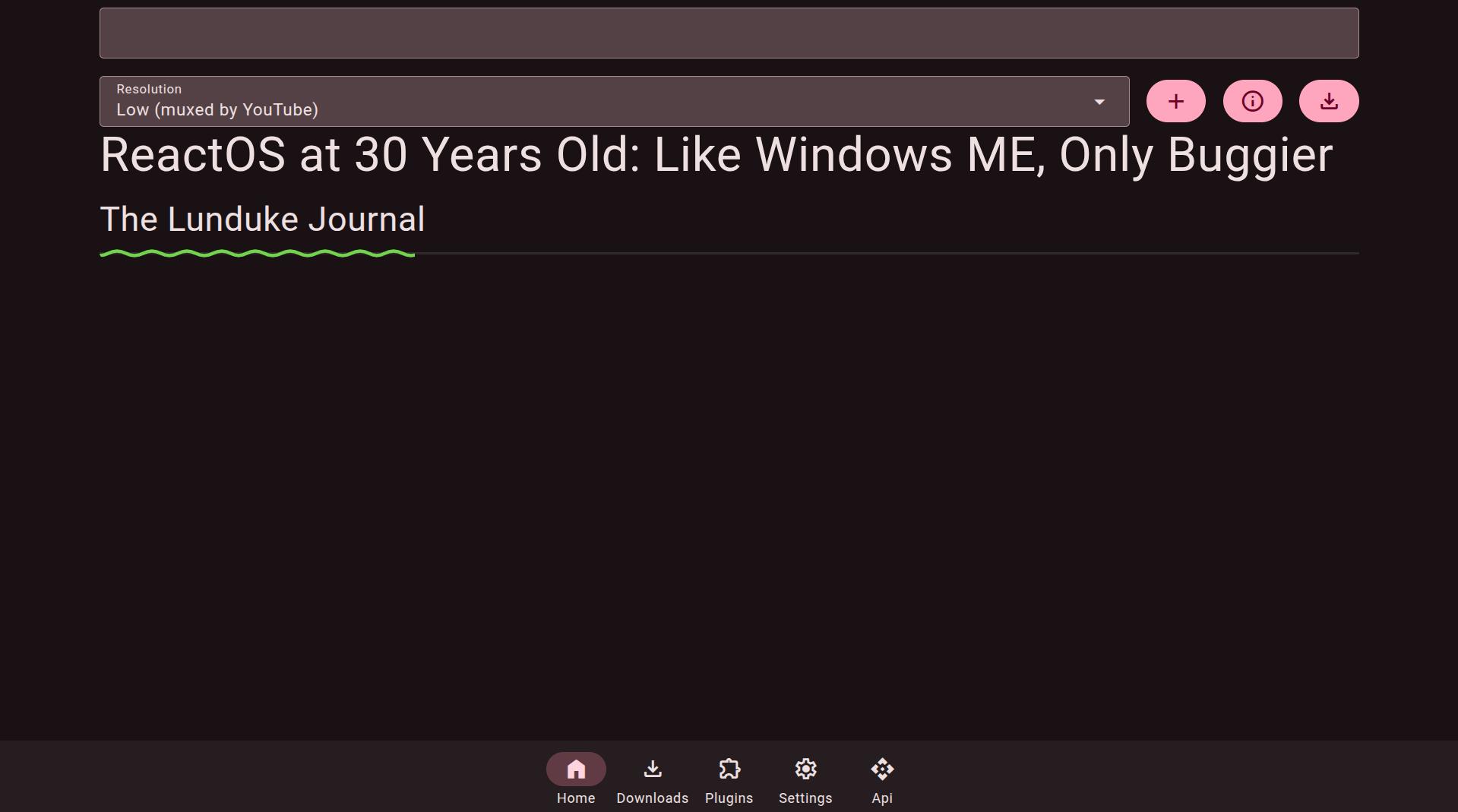
My web based YouTube downloader that I created in 2025 writen in [CrossLang](https://crosslang.tesseslanguage.com/), my own language
|
|
|
|
|
|
|
|
|
|
[Website](https://crosslang.tesseslanguage.com/software/webapps/tytd2025/)
|
|
|
|
# Features
|
|
- Uses [SQLite3](https://www.sqlite.org/) for it's database (embedded into TessesFramework)
|
|
- Can download videos, playlists and channels (you need a channel url like this [https://www.youtube.com/channel/UCBa659QWEk1AI4Tg--mrJ2A](https://www.youtube.com/channel/UCBa659QWEk1AI4Tg--mrJ2A))
|
|
- Can subscribe to channels
|
|
- Can create playlists (that are stored on the server)
|
|
- Search and browse your downloaded videos, playlists, or channels (the search is very basic though)
|
|
- User accounts
|
|
- Videos can be tagged based on your downloader's TYTD tag (to determine which instance downloaded it)
|
|
- Plugins from [CPKG](https://cpkg.tesseslangauge.com/) or any CPKG compliant server
|
|
- Can download YouTube videos either Low quality (but doesn't) require [ffmpeg](https://ffmpeg.org/), you can also download individual streams (also doesn't need [ffmpeg](https://ffmpeg.org/)), or to MP4 (doesn't work on wii due to libx264 having illegal instruction), MKV (so no transcode), MP3 or FLAC (these do need [ffmpeg](https://ffmpeg.org/) in your PATH however)
|
|
- Runs on the Wii using the [Wii Linux Continuation Project](https://wiibrew.org/wiki/Wii-Linux#Wii_Linux_Continuation_Project) (albeit extremely slowly, despite this that's where I run it)
|
|
|
|
|
|
## To Install
|
|
Install [crosslang](https://crosslang.tesseslanguage.com/downloads/index.html)
|
|
|
|
from source:
|
|
```bash
|
|
git clone https://onedev.site.tesses.net/tytd2025
|
|
cd tytd2025/Tesses.YouTubeDownloader.Server
|
|
crosslang install-webapp
|
|
```
|
|
|
|
from package manager:
|
|
```bash
|
|
crosslang install-webapp Tesses.YouTubeDownloader.Server
|
|
```
|
|
|
|
|
|
## To Run
|
|
|
|
Save to videos:
|
|
```bash
|
|
crosslang webapp tytd2025 --port=3255
|
|
```
|
|
|
|
Save to a folder (unix):
|
|
```bash
|
|
# Replace /path/to/tytd with the folder you want
|
|
export TYTDDIR=/path/to/tytd
|
|
crosslang webapp tytd2025 --port=3255
|
|
```
|
|
|
|
Save to a folder (windows):
|
|
```batch
|
|
REM Replace C:\path\to\tytd with the folder you want
|
|
SET TYTDDIR=C:\path\to\tytd
|
|
crosslang webapp tytd2025 --port=3255
|
|
```
|
|
|
|
License is GPLv3-or-later |